Know what
you can make.
Before you commit.
Move your next part forward with a clear view of how it can be made, what needs attention, and what it will take.
Recorded sample: no account needed. Your own parts: 10 free lifetime checks after signup.
What’s on your desk?
Start with the decision you need to make.
Can we make this in-house?
Match the part to your equipment and see where capability is missing.
Explore this workflowWhat’s holding this design back?
Find process-specific issues before the next manufacturing review.
Explore this workflowWhat will this part really take?
Trace the hours, material and rates behind a resource estimate.
Explore this workflowOne part.
A clearer next step.
Open the example. Look at the route, the design issues, and the cost assumptions. Decide whether the evidence answers your question.
Start with CNC turning.
A process to investigate
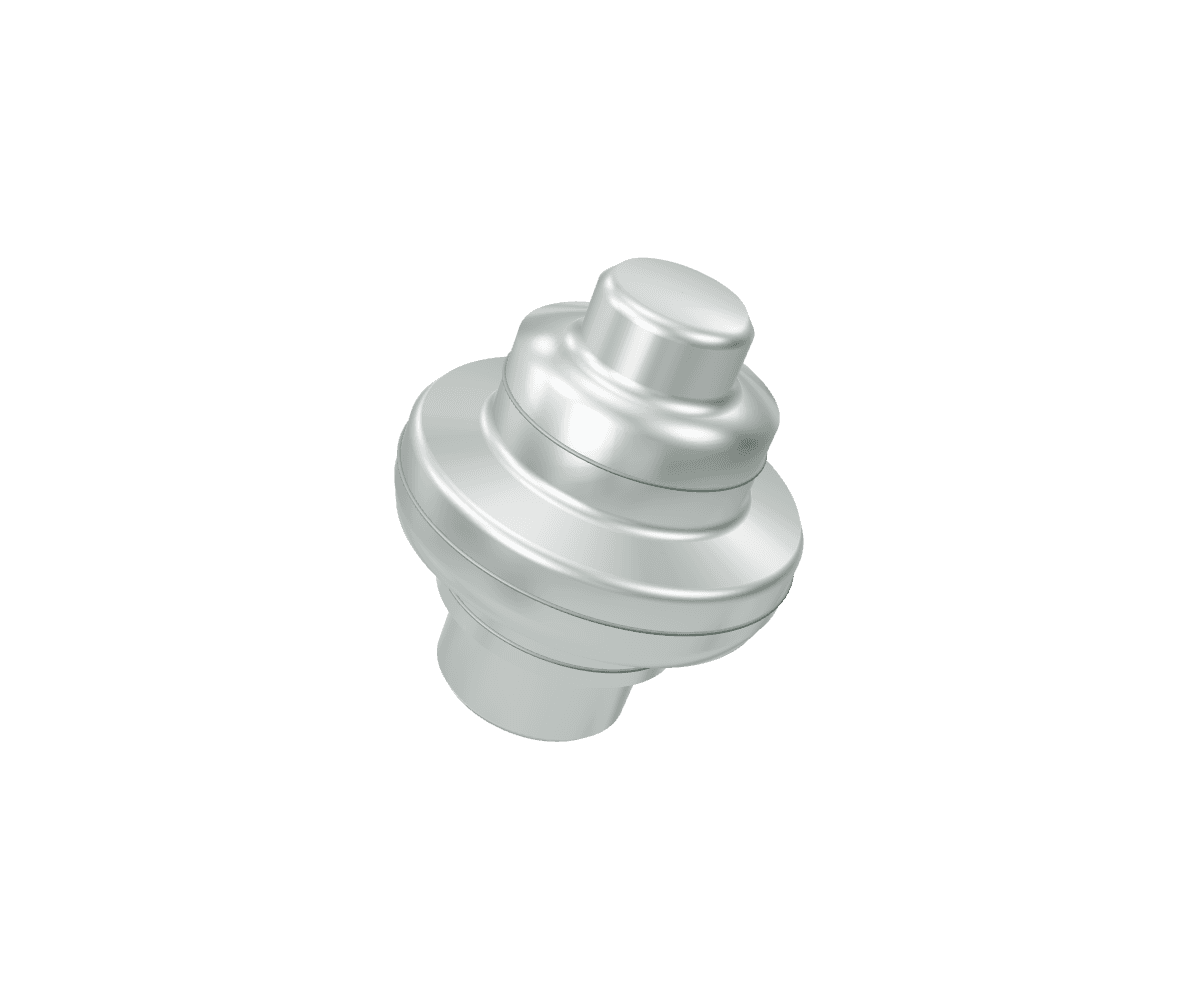
The part’s rotational shape points to turning. Check the findings and your machine setup before making the call.
- Geometry
- Rotational Measured
- Suggested route
- CNC turning Model
- Alternatives
- 5-axis CNC · MJF
- Your machine fit
- Needs your inventory
A route suggestion is not production approval. Your machine and operating conditions still need review.
You shouldn’t have to
take a number on faith.
Every estimate has inputs. CadVerify keeps them in view, so your team can challenge the assumptions and make an informed call.
See how the evidence worksMeasured from the part
Geometry, dimensions and the features behind a finding.
Declared by your team
Your machines, materials and rates, kept with the record.
Assumed until validated
Defaults stay visible. Real outcomes tell you where the model needs work.
A useful first step.
Then a workflow that fits.
Start with one part. Bring in more of your team’s working context as you go.
Bring the part and the question.
Upload STL, STEP or IGES. State the material, operating conditions and manufacturing question you need to answer.
Review the result with your team.
Inspect the suggested process, open the findings and check the assumptions. Engineering sign-off stays with you.
Keep the evidence with the decision.
Save the record, compare alternatives, and bring actual costs and outcomes back into the next review.
Before you bring
your first part.
Can I explore before creating an account?
Yes. The sample is public and uses a recorded example. You can inspect the manufacturing route, design findings and estimate sources without signing in. Uploading your own files requires an account. Your account includes 10 lifetime single-part checks, with no card or subscription required. Request paid access for more checks or advanced tools.
Is this a supplier quote or a production approval?
Neither. CadVerify provides manufacturing and resource-cost evidence. Your team still reviews machine setup, material suitability, supplier qualification and engineering sign-off.
What if my team needs a different deployment?
Use the pilot discussion to review hosted or self-hosted requirements with us. Confirm data boundaries, security expectations and system fit before sharing sensitive CAD.
What happens when the inputs aren’t complete?
Assumptions remain visible, and missing information is called out. You can review the inputs, add your own machine or rate data, and rerun the analysis rather than treating a default as a fact.
Start with one part.
See what becomes clearer.
The sample is ready when you are.